
Settings · 2 minutes reading time
Manage subscription, trial phase and invoices
Check your plan, free trial period, payment management and existing software invoices.
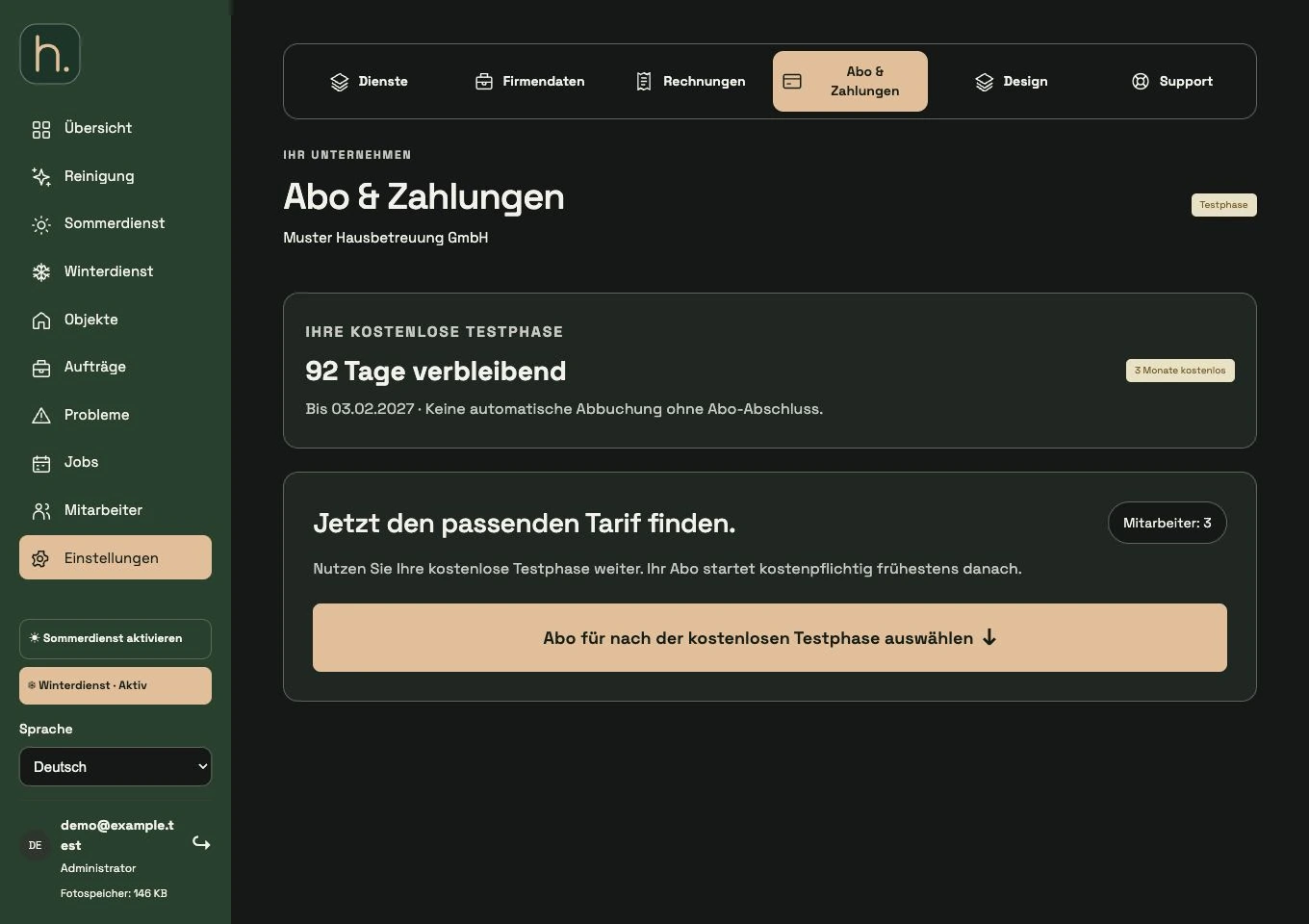
View subscription status
Open Settings → Subscription & payments. The page shows your company and the current test or subscription situation.
Classify test phase
During the free trial period, you will see the end date and days remaining. Without an expressly concluded paid contract, a subscription will not simply be debited automatically.
Select the appropriate tariff
Compare the rates and employee limits offered in the system. A tariff must offer enough places for your active employees. The prices currently displayed are decisive.
Complete billing address
If necessary, add the full company address under company details. If information is missing, the subscription process will lead to the intended addition.
Open payment management
If you have an existing subscription, use Manage Subscription & Payment Data. Before making a binding conclusion or changing a contract, check the conditions and amounts displayed.
Download invoices
Under Settings → Invoices you will find the software subscription invoices with dates, amounts, status and, if necessary, PDF download. This area is not general invoicing for your own clients.
Frequently asked questions
Does each tariff use different basic functions?
The tariffs differ particularly in the employee positions. Compare the current information in the tariff overview; the conditions stated there are decisive.