
Jobs & orders · 2 minutes reading time
Complete a weekly repeat
Stop a weekday series that is no longer needed directly at the property.
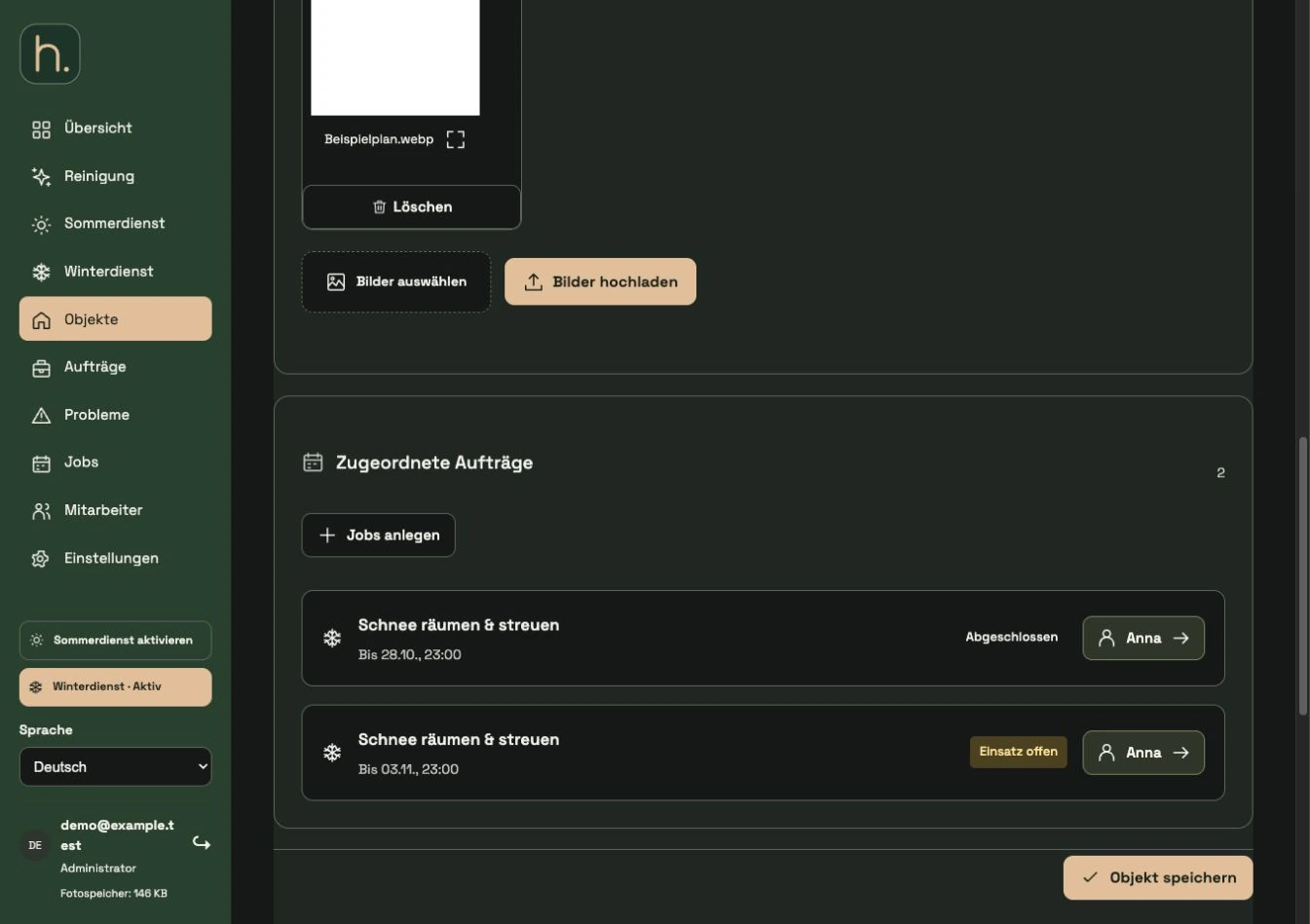
Open affected property
Find the property and go to the assigned works. The saved weekday series are listed under Weekly Repeats.
Check series clearly
Control activity, days of the week and employees. Several similar series can belong to different services or people.
End repeat
Click Stop repeating for the series in question. The property form initially only notes this change.
Check reservation
The display indicates that the repeat will stop when saving. If you chose the wrong series, use Undo before saving.
Save property
Confirm the change with Save property. Without this step, the noted termination will not remain binding.
Check remaining work
After saving, check the remaining orders. Stopping the series is intended to stop future repetition; Work that has already been documented remains important for traceability.
Frequently asked questions
Is it enough to delete the associated job template?
No. A template is separate from an already created repetition. End the concrete series at the property.