
Employee app · 2 minutes reading time
Set the language for employees
Set a suitable interface language for each employee, regardless of your own portal language.
Edit employee
In the customer portal, open Employees and select the person in question. There is a language selection in the form.
Select appropriate language
Available are German, English, Turkish, Arabic, Bosnian, Croatian, Serbian, Romanian and Georgian. Choose the language that suits this person.
Save employee
Apply the change with Save Changes. The language is saved on the employee access.
Check in the app
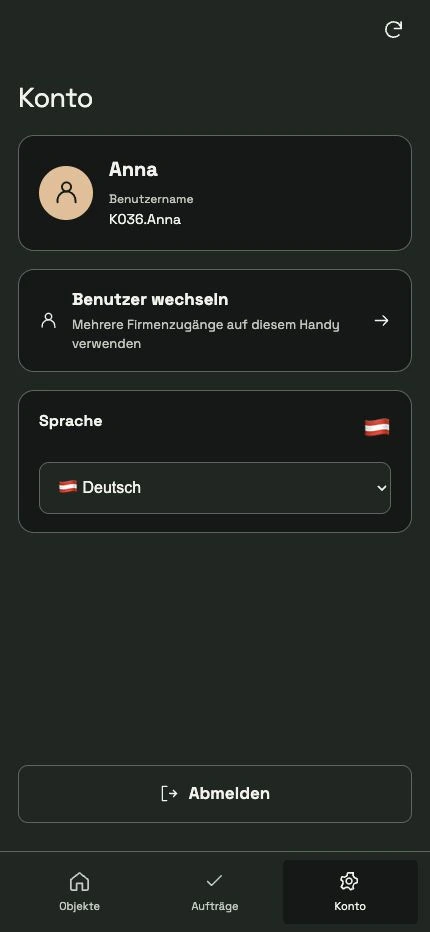
Update the app or open your account and check the language selection there. Country or language symbols help you identify the selection.
Differentiate company accounts
If there are several saved company accounts, the language belongs to the active employee account. Changing your account can therefore also change the language displayed.
Write your own texts understandably
The translations concern the system interface. Property names, notes and work instructions that you enter yourself are not automatically translated into other languages.
Frequently asked questions
Can my portal use German and an employee's app use Georgian?
Yes. Your portal language and the language of an individual employee access are set separately.