
Winter service · 2 minutes reading time
Cancel a winter mission
Remove open work from an assignment that was started in error while keeping completed work.
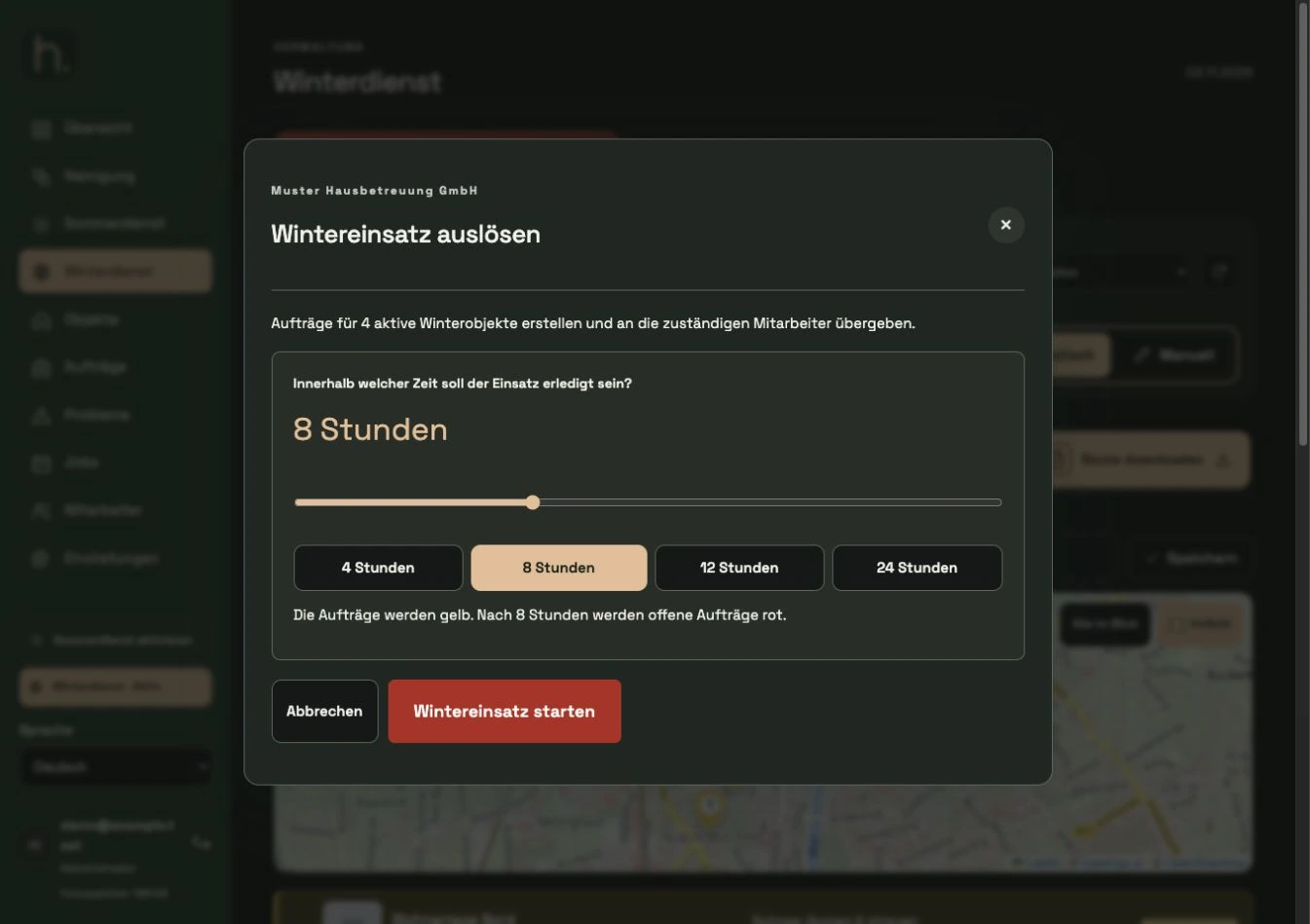
Check active use
Open winter service and check the affected operation. The cancellation affects the mission mentioned in the dialogue and its open works.
Cancel assignment
If there are open orders for an active operation, the cancel function is available. Open the dialog about cancel use.
Read the scope carefully
Check the date and number of open orders. The dialog also indicates related messages and unfinished documents that can be removed with open work.
Consciously acknowledge
Select Yes, cancel assignment only if you actually want to remove the open work displayed. With No, keep stake, the stake remains.
Check completed work
Orders that have already been completed and their photo evidence will not be removed by this cancellation. Then check the updated overview.
Reschedule if necessary
If a new deployment is required later, first check the property assignment and consciously restart the intended deployment. A cancellation is not a normal closing function for completed work.
Frequently asked questions
Why doesn't Cancel Bet appear?
The function depends on active use with open orders. Work that has already been completely completed is not the application for this termination.