
Settings · 2 minutes reading time
Maintain company details and billing address
Keep your company name, contact person, address and optional UID up to date in your own company area.
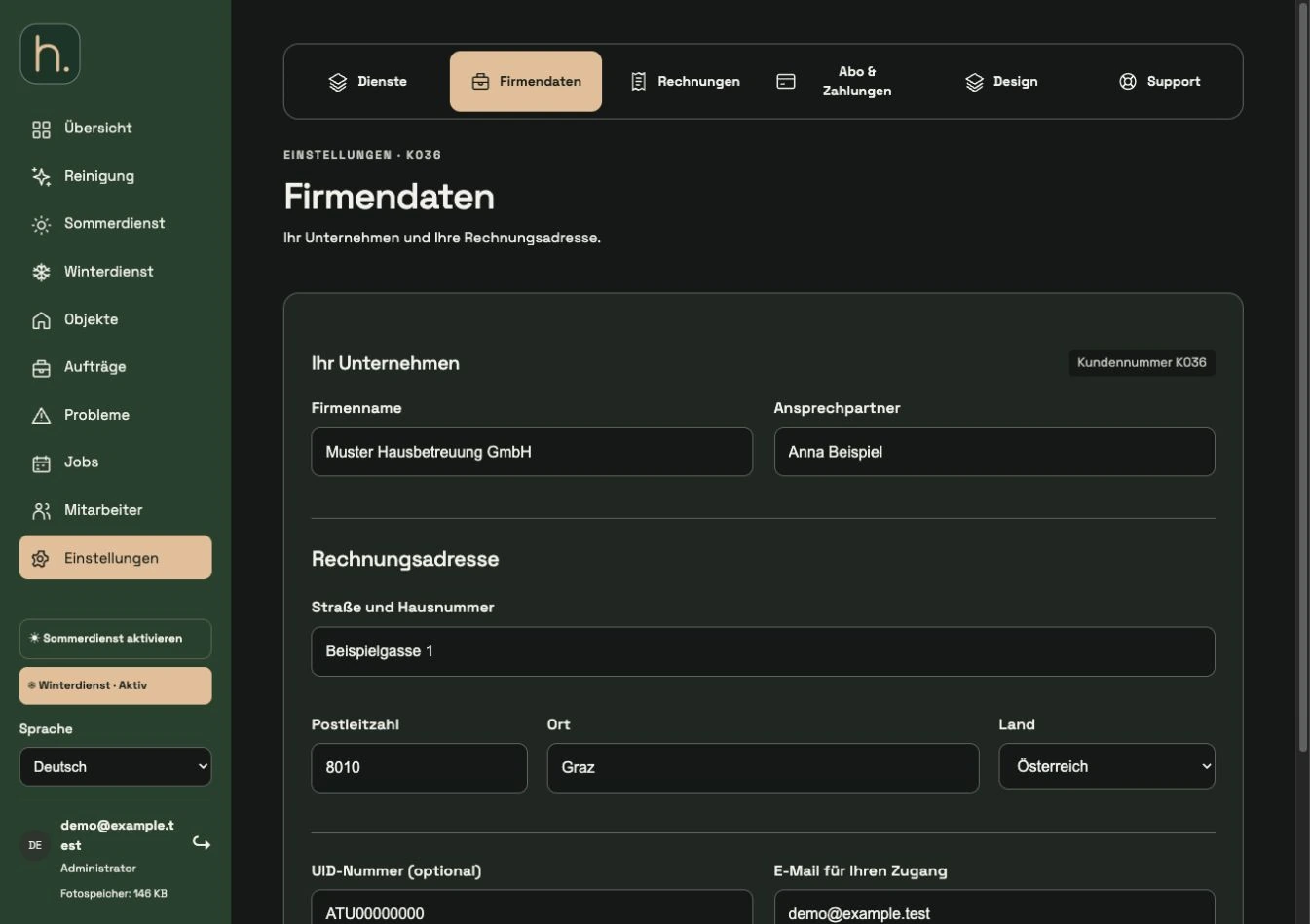
Open company data
Select Settings and then the Company details tab. Here you work on your own company, not the customers of the properties you manage.
Check company and contact person
Enter the correct company name and the responsible contact person. The company name is also used for the company appearance and documents.
Complete billing address
Fill in street and house number, zip code, city and country. A complete billing address is particularly relevant for a later subscription.
Enter UID if required
Add the VAT number if it is used for your company. The email for your company access is displayed separately in the form.
Save changes
Confirm via Save company data. If you come out of the subscription process, the button can instead lead you back to the subscription selection.
Maintain route start separately
The start address of a winter tour is saved for each winter service employee. A change in the billing address does not replace this individual route setting.
Frequently asked questions
Where do I change my clients' contact persons?
Under Properties → Customers. The contact persons of your own company and a supported customer have different master data.